How to Future-Proof Website Data Beyond Traditional WordPress
For decades, WordPress has been the engine of the web. By bundling content storage, database queries, and page layout into one system, it made web publishing possible for almost anyone.
But content now has to reach far more than desktop browsers: mobile apps, smart devices, voice assistants, and AI engines. The all-in-one design that made traditional content management systems (CMS) popular has become their biggest bottleneck. Modern websites future-proof their content through separation, structured schemas, and composable systems. Here's how that works, and what it means for your site.
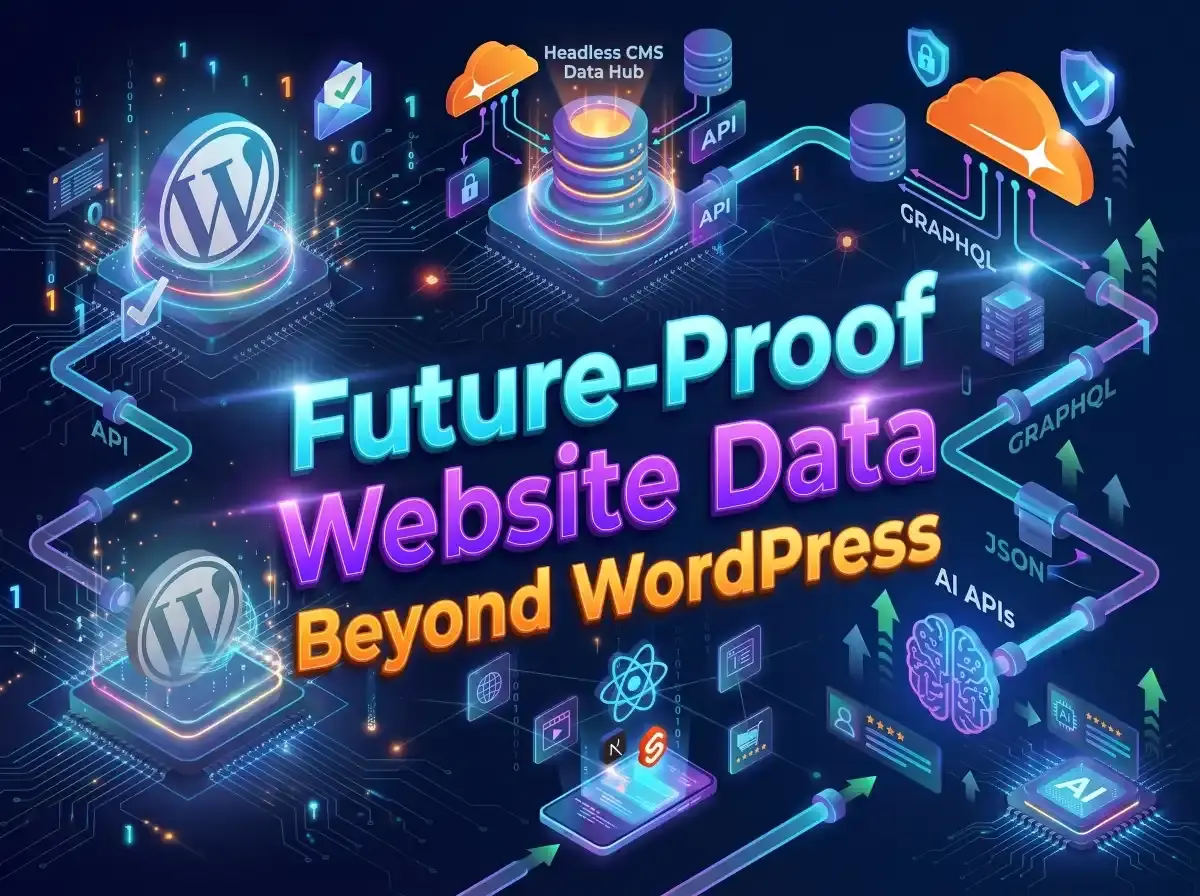
The core problem: content tangled up with design
A traditional CMS weaves three different things together in a single SQL database: content (the actual text, images, and data), logic and markup (HTML, PHP, and theme rendering), and presentation (CSS styles, layout templates, and visual page builders). All three produce one HTML page, built for a standard browser.
When content is mixed with layout, through shortcodes, inline HTML formatting, or a page builder's own blocks stored in WordPress's wp_posts table, it's locked to that platform. Rebuilding the design or sending the same content to a mobile app often means retyping it by hand or a tedious database cleanup.
The modern alternative: separate content from presentation
Future-proofing your website data starts with decoupling: keeping where content is stored separate from how it's displayed.
In a decoupled, or headless, setup, content lives as pure structured data in one content hub, and it's served through GraphQL or REST APIs to whatever needs it: a website built with React and Next.js, an iOS or Android app, or AI agents and automated pipelines. The front end is built and run independently, as fast pre-built pages or a server-rendered framework.
Key technical advantages
- 1
True multi-channel delivery
The same content, served as plain structured data, can feed a website, a native iOS or Android app, an in-store display, or an automated email campaign without copying it into each one.
- 2
Freedom to redesign
You can replace your website's entire visual framework, for instance moving from Vue to React, without touching, migrating, or risking the content underneath.
- 3
Better security and uptime
The content database sits behind API endpoints instead of answering public web requests directly. That shuts out most of the automated bot attacks that target default admin pages like
/wp-adminor vulnerable third-party plugins. - 4
Faster pages
With the display layer separate, pages can be built ahead of time and served from a content delivery network (CDN) close to each visitor. That cuts the time to first byte and lifts Core Web Vitals scores. See Next.js hosting on Cloudflare & GitHub for how that works in practice.
Innovations transforming content management
- 1
Schema-driven structured content
Instead of free-form text boxes with basic formatting, modern systems like Sanity, Storyblok, and Contentful treat content as typed data. Every field, whether an author bio, an event date, a map location, or a link to a related product, is checked against a defined schema. That rigor keeps data consistent everywhere it's published.
- 2
JSON-LD and semantic markup, built in
Search engines and AI discovery tools increasingly read meaning, not just words. Modern content platforms define entities and relationships at the data level, so publishing a page can automatically produce valid JSON-LD (like Article, Product, Organization, or FAQPage) with no separate plugin. More on that in Schema Markup & JSON-LD for SEO and AI.
- 3
Real-time collaboration and visual editing
Early headless systems came with a trade-off: developers gained freedom, but editors lost the ability to preview their work. Today's visual CMS tools fix that. Several people can edit the same document at once, with field-level permissions and a full change history, and editors can arrange structured components while watching a live preview of the real front end.
- 4
Edge delivery and MACH architecture
MACH stands for Microservices, API-first, Cloud-native, and Headless. Instead of one server running database queries on every page request, content is pushed out to edge networks like Cloudflare Workers or Vercel's edge, cached, and served within milliseconds from locations close to each visitor.
What structured content looks like
Here's the kind of JSON-LD a modern content platform can generate automatically when an article is published. It tells search engines and AI tools exactly what the page is, who wrote it, and who published it.
{
  "@context": "https://schema.org",
  "@type": "TechArticle",
  "headline": "Future-Proofing Website Data Architecture",
  "author": {
    "@type": "Person",
    "name": "Jane Example"
  },
  "publisher": {
    "@type": "Organization",
    "name": "Example Co."
  }
}
Weighing the trade-offs
A modern composable setup gives your data far more long-term flexibility, but the right choice depends on the project, your team, and how big the operation is.
| Traditional (WordPress) | Modern composable / headless | |
|---|---|---|
| Data coupling | High: content tightly bound to HTML and the database | Low: content stored as pure, presentation-free data |
| Multi-channel support | Difficult: needs special plugins or custom APIs | Built in: API delivery to any device or pipeline |
| Performance | Depends heavily on plugins, caching, and hosting | Very fast: pages cached at the edge, light APIs |
| Security exposure | Large: public access to the database and plugins | Smaller: the public front end is separate from the database |
| Development effort | Low to start: pre-made themes and visual plugins | Higher upfront: the front end is custom-built |
| Redesign cost | High: often a full theme and database rebuild | Low: redesign the front end without touching content |
That higher upfront effort is shrinking fast. With AI-assisted development and an experienced developer overseeing the work, custom front ends take a fraction of the time they once did.
Steps to future-proof your content today
- 1
Audit your content architecture. Find where content is hard-coded alongside display formatting or shortcodes, and ask whether your content could be exported to plain JSON cleanly today.
- 2
Adopt modular content. Break long-form content into reusable fields, like separate author bios, product callouts, and key takeaways, instead of putting everything into one big rich-text box.
- 3
Map content to Schema.org. Make sure every content type lines up with a formal Schema.org type, so search engines and AI tools can parse it accurately.
- 4
Evaluate API-first platforms. When you're planning a major migration or a web app, look at headless, composable platforms like Sanity, Storyblok, Strapi, or Prismic. See WordPress & headless CMS for how I set them up.
Is it time to move off WordPress?
If you're planning a redesign, yes, this is the time. WordPress isn't going anywhere soon, and a site that's working fine today can keep running on it for years. But the future of the web is structured data and content kept separate from the design that displays it, and that's where search engines, AI tools, and new channels are all heading.
A redesign is, at heart, a bet on the next five to ten years of your website. Rebuilding on the same all-in-one platform means carrying the same tangled content into that future, and facing the same painful migration next time. Moving to structured, separated content during a redesign you're already paying for costs far less than doing it later as its own project, and it means your next redesign only has to change the design.
And it's never been easier or more cost-effective to make the switch. AI now speeds up the routine work of restructuring content and building a custom front end, while an experienced developer makes the design decisions and checks every detail. I'll help you make the move cleanly: content restructured, every old address redirected, and an editor your team can still use. See WordPress & headless CMS, or read Headless CMS vs. WordPress, Explained for a plain-English comparison.
Planning a redesign or a migration?
Tell me what your site runs on today and where your content needs to go. I'll reply with a price, a timeline, and a plan for moving your content onto a structured, future-ready setup.
Common questions
Is WordPress outdated?
Not yet. WordPress still runs a huge share of the web and will be around for years. The issue is how it stores content: tied to layout, inside one database, while the web is moving toward structured data kept separate from design. A site that works today can keep running on WordPress, but if you're planning a redesign, that's the moment to move your content onto a structured, separated setup rather than rebuilding on the old one. Headless CMS vs. WordPress, Explained compares the two.
Can I keep using WordPress as a headless CMS?
Yes. WordPress can serve its content through its built-in REST API (or GraphQL, with a plugin) to a separate front end built with something like Next.js. It's a reasonable middle step for teams that already know the WordPress editor, though content stored with page-builder blocks or shortcodes will still need cleaning up first.
Will moving to a headless CMS hurt my search rankings?
Not when the move is handled carefully. Every old page address gets a permanent (301) redirect to its new home, and the new front end usually loads faster, with structured data built in. See website overhauls for how I handle migrations.
Is a headless CMS more expensive?
Less than it used to. The front end is custom-built, rather than starting from a pre-made theme the way many WordPress developers do, and that once made headless a big-budget choice. Today, AI-assisted development handles much of that routine build work, with an experienced developer guiding and checking every step, so the upfront cost is far closer to a traditional build. Over time it often costs less: hosting is cheap or free, there are no plugins to keep patching, and a redesign doesn't mean rebuilding your content.
How do I know if my content is locked in?
A quick test: open a few of your pages in the editor. If the text is mixed with shortcodes, page-builder blocks, or layout settings, or if you couldn't copy it into a different site without reformatting, it's tied to your current platform.