Why Astro Is Exploding: Pros and Cons
If you've talked with a web designer lately, you may have heard about Astro. It's a free tool developers use to build websites, and it's one of the fastest-growing in the industry: downloads grew about eightfold in a year, and Cloudflare bought the team behind it in January 2026.
This quick guide explains what Astro is in plain English, why its popularity is exploding, the honest pros and cons, and how to tell whether it's the right way to build your business website. Download the printable PDF, or read on below.
Download the free PDFPDF · 7 pages · printable guide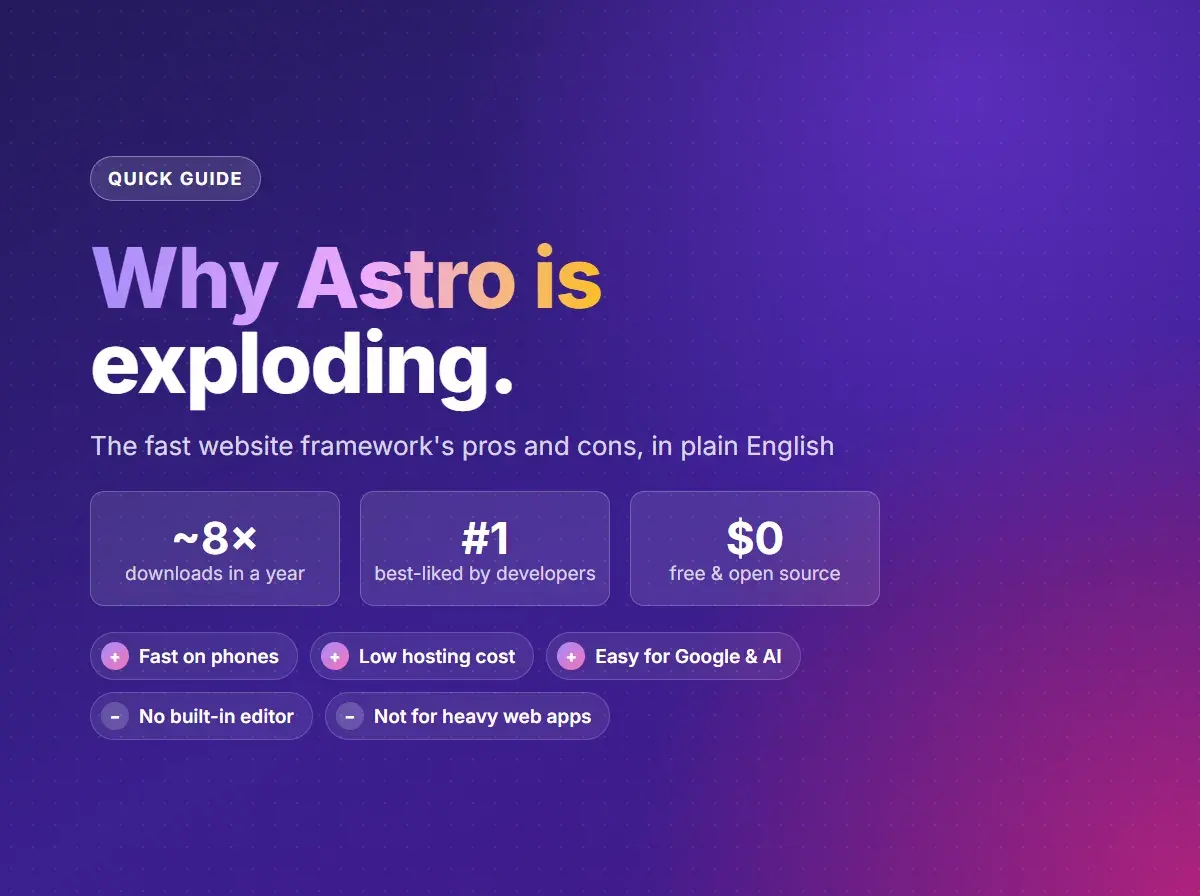
What is Astro?
Most small business websites are mostly for reading: your services, hours, photos, and reviews. Many modern website tools still send a big bundle of code to every visitor's phone just to show that text. Astro does the opposite. It builds each page ahead of time as plain, finished text and images, and adds code only to the parts that need it, like a booking form or a photo gallery.
Developers call those parts “islands.” The rest of the page is calm, fast, and ready the moment it arrives. That's why Astro sites tend to score so well on speed tests, especially on phones.
Why Astro's popularity is exploding
- Downloads grew about eightfold in a year. Developers downloaded Astro about 3.8 million times in October 2025 and about 31.6 million times in October 2026. Downloads count every install, including automated builds, so they aren't a count of websites, but the trend is hard to miss.
- Cloudflare bought the team behind it. In January 2026, Cloudflare, one of the world's largest web networks, acquired the company that makes Astro. Astro stays free and open source, and it still works with other hosting companies.
- Developers like using it. In the State of JavaScript 2025 survey, a yearly poll of thousands of web developers, Astro was the best-liked tool in its category, well ahead of Next.js.
- Google rewards fast pages. Google's speed scores (Core Web Vitals) favor pages that load quickly and respond right away on phones. Astro sends so little code that good scores come almost by default.
- Developers can bring the tools they know. Astro works with components built for React, Vue, and Svelte, so a team can switch without starting from scratch.
- It keeps getting better. Astro 6, released in March 2026, added built-in font handling, stronger security settings, and a faster setup for sites hosted on Cloudflare.
The pros
- 1
Pages load fast, especially on phones
Astro sends finished pages with little or no extra code, so there's less for a phone to download and run. Interactive parts load only where they're used, and often only once someone scrolls to them.
- 2
Easy for Google and AI to read
Every page arrives as complete text, with its own title, description, and structured data. Search engines and AI assistants like ChatGPT can read it all without running any code first.
- 3
Low (or no) hosting bills
Most Astro sites are plain files, which are cheap to serve. Many small business sites fit in the free plans from Cloudflare, Netlify, or Vercel.
- 4
Fewer security worries
A site built ahead of time has no login page or database for attackers to poke at, and no plugins to keep patched every week.
- 5
Flexible content editing
Content can live in simple text files, or in an easy editor like Strapi or Prismic (a headless CMS). WordPress can even stay on as the editor while Astro builds the fast public site.
- 6
Free, open, and well backed
Astro is open source under the MIT license, so nobody can lock it away or start charging for it. Cloudflare's backing pays for a full-time team.
The cons
- 1
No built-in editor for owners
Unlike WordPress, Wix, or Squarespace, Astro has no dashboard where you log in and change a page. You'll need a developer for changes, or a content editor set up for you.
- 2
Not built for heavy web apps
Astro shines when most of a page is for reading. A site full of logins, dashboards, or live data is usually better on a tool like Next.js.
- 3
No one-click plugins
WordPress has a plugin for almost anything. With Astro, features like booking, forms, or a members area come from outside services or custom code, which takes a developer.
- 4
It moves fast
Astro has had three major versions in under two years. Each one improves things, but updates can take a developer's time, so plan for occasional upkeep.
- 5
Fewer developers know it
Astro is popular, but far more developers know WordPress. If you change web designers later, make sure the next one works with Astro.
Astro vs. Next.js vs. WordPress
All three can make a great small business website. They're built for different jobs.
| Astro | Next.js | WordPress | |
|---|---|---|---|
| Best for | Sites that are mostly for reading | Sites with app-like features | Owners who edit pages themselves |
| Speed out of the box | Excellent | Very good | Depends on theme and plugins |
| Editing for owners | Through a separate editor | Through a separate editor | Built in |
| Typical hosting | Often free | Often free | Usually a monthly plan |
| Interactive features | Where needed | Everywhere | Through plugins |
| Upkeep | Occasional updates | Occasional updates | Regular plugin and security updates |
Is Astro right for your business?
- A great fit: service businesses, restaurants, contractors, salons, portfolios, blogs, and landing pages. Any site that's mostly there to be read.
- Better on WordPress, Wix, or Squarespace: you want to edit every page yourself and you're happy to trade some speed for that.
- Better on Next.js: you need customer accounts, dashboards, or other app-like features (see the benefits of a Next.js website).
- Better on Shopify: selling online is the main job of the site.
What I use
I build with both Astro and Next.js. This website runs on Next.js because it includes interactive tools, like the quote form and the website health check. For a site that's mostly for reading, Astro is often the faster, simpler choice. Either way, I'll recommend whatever fits your business, even if that's WordPress or Shopify.
This started in our free website help groups. Join us on Nextdoor or Facebook to ask your own questions.
Wondering what your site should be built with?
Tell me about your business and what your current site isn't doing for you. I'll recommend the right fit, with a price and a timeline.
Common questions
Is Astro free?
Yes. Astro is free, open source software. You pay for the developer's time to build the site, a domain name, and hosting, which is often free for a small Astro site.
Can I edit an Astro website myself?
Not on its own. Astro has no built-in editor, so it's usually paired with an easy content editor like Strapi or Prismic, or with WordPress as the editor. Then you update text and photos yourself, and the site rebuilds automatically.
Will switching to Astro improve my Google ranking?
It can help, because speed is one of Google's signals, but it isn't a shortcut. Clear content, a complete Google Business Profile, and good reviews still matter more. Start with these 10 simple tasks to get found on Google and AI.
Now that Cloudflare owns it, do I have to host on Cloudflare?
No. Astro stays open source and works with Netlify, Vercel, and other hosting companies. Cloudflare's network is a natural fit, though, and most small sites fit in its free plan.
Can my WordPress site move to Astro?
Yes. Your pages, posts, and photos can be moved over, or WordPress can stay on as the editor while Astro builds the public site. Either way, the new site should keep your page addresses so you don't lose your place in Google.