10 Simple Tasks to Get Found on Google and AI
Most small business websites aren't invisible because they're bad. They're invisible because nobody ever finished the basic setup that tells Google and AI assistants what the business does and where.
This plan fixes that in one afternoon: 10 timed tasks, about three and a half hours, and every tool is free. Download the printable PDF with a checklist, or follow along below.
Download the free PDFPDF · 5 pages · printable checklist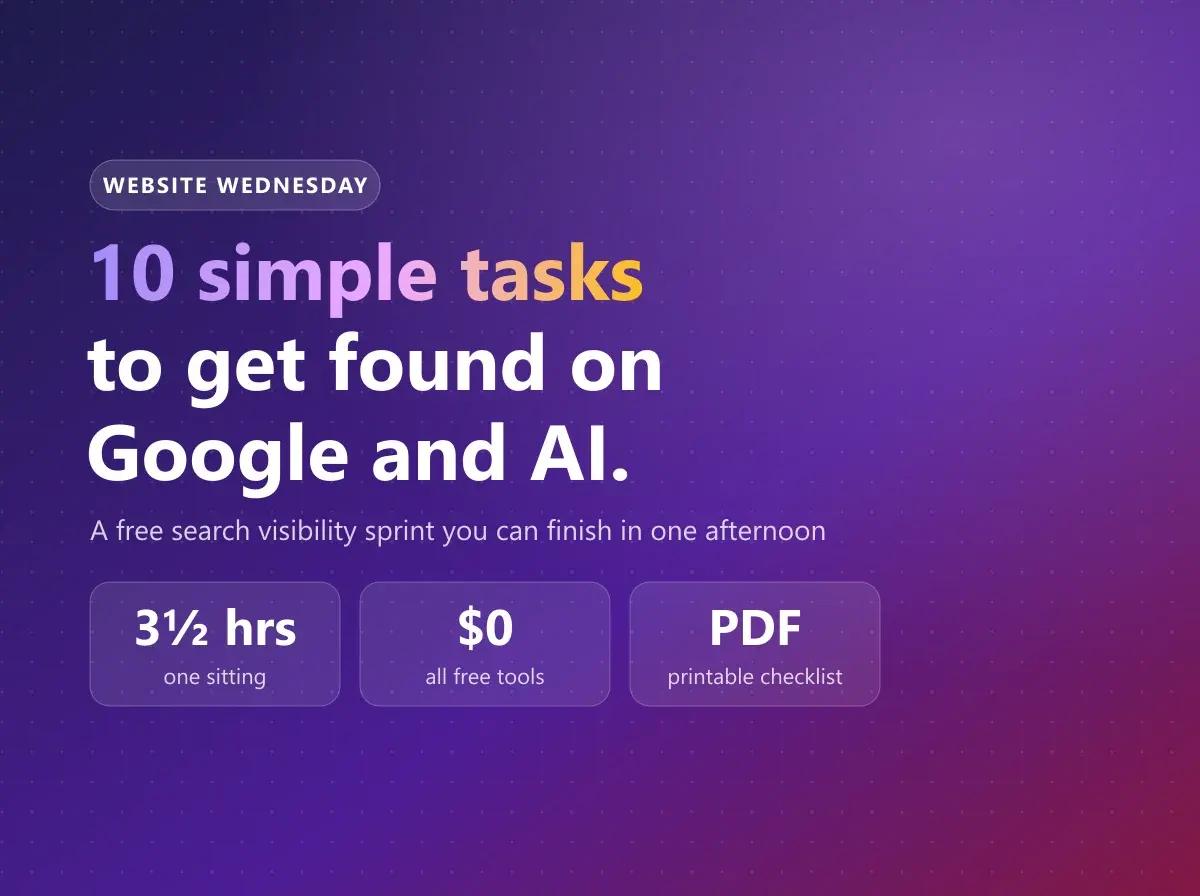
How the afternoon breaks down
Three focused hours, plus an optional 30-minute bonus. Do them in order: each hour builds on the one before.
| Tasks | Time | |
|---|---|---|
| Hour 1 | Google Search Console, sitemap, mobile and speed audit | 60 min |
| Hour 2 | Google Business Profile, business description, review requests | 60 min |
| Hour 3 | H1 headings, meta descriptions, AI plain-text test | 60 min |
| Bonus | A long-tail FAQ for AI search | 30 min |
Hour 1: Technical foundation and faster indexing
- 1
Claim and verify Google Search Console (20 min)
Go to Google Search Console and verify your domain through your domain registrar or website builder settings. Search Console is your direct line to Google: it shows which pages are indexed, which searches bring people to your site, and any technical errors stopping your pages from ranking.
- 2
Submit your XML sitemap (10 min)
Find your sitemap address, usually
yourdomain.com/sitemap.xmlorsitemap_index.xml, and paste it into the Sitemaps tab in Search Console. On WordPress, an SEO plugin like Rank Math or Yoast SEO creates it; Wix, Squarespace, and Shopify create one automatically. A sitemap hands Google a list of every page, so new and updated pages get found in days instead of weeks. - 3
Run a mobile and speed audit (30 min)
Run your homepage and main service page through PageSpeed Insights, then make two quick fixes: compress oversized header images with a free tool like TinyPNG before re-uploading them, and make your phone number and email tappable links, so phone visitors can reach you in one tap. For how big your photos should be, see Faster Photos, Faster Website.
Hour 2: Local search and your Google Business Profile
- 1
Claim and fully fill in your Google Business Profile (30 min)
Sign in to Google Business Profile and make sure your name, address or service area, and phone number match your website footer word for word. Choose your primary category carefully, since it carries a lot of weight in map rankings, and fill in your hours, holiday schedule, and service attributes completely. For many local businesses, this profile is the first thing customers see on a phone, above the regular results.
- 2
Write your business description (15 min)
You get up to 750 characters. In the first two sentences, cover three things: your core offer in plain words, the towns or region you serve, and why customers should choose you. For example: “Providing custom web development and digital marketing services for small businesses across Northern Illinois and Southeast Wisconsin.”
- 3
Send 3 review requests (15 min)
Copy the review link from your Business Profile dashboard and send it to 3 recent, happy clients, asking for an honest review. Invite them to mention the service and their town, since reviews that name both can help your local map rankings. Ask everyone the same way, and never offer anything in return: Google's rules forbid incentives and asking only for 5-star reviews.
Hour 3: On-page fixes and the AI plain-text test
- 1
Audit your H1 headings (20 min)
Open your top 3 pages: homepage, main service page, and About page. Each needs exactly one main heading (H1) at the top that says what you do and where. “Welcome to Our Agency” tells Google nothing; “Custom Web Design & Local SEO in Richmond, IL” tells it everything.
- 2
Rewrite your meta descriptions (20 min)
Update the search description for each core page: 140 to 155 characters with your main service, your location, and a call to action with your phone number. This is the snippet people read under your link in Google before they decide to click.
- 3
Pass the AI plain-text test (20 min)
Read the first two paragraphs of your homepage. In plain, jargon-free words, do they say who you are, what you offer, who you help, and how to hire you? If not, move those facts out of graphic banners and collapsed dropdowns and into the body text, where search engines and AI tools like ChatGPT can read them.
Bonus: A long-tail FAQ for AI search (30 min)
Near the bottom of your main service page, add three questions a ready-to-buy customer would ask, each answered directly in the first sentence. For example: “How long does it take to launch a new website?” or “Do you serve businesses in Southeast Wisconsin?”
Full-sentence questions match the way people ask AI assistants, which makes your page an easy source for them to quote. Going further, schema markup labels those questions so machines can't miss them.
Your progress checklist
- Domain verified in Google Search Console
- Sitemap submitted
- Large images compressed, and phone numbers made tappable
- Business Profile name, address, and phone match the website footer
- Primary category set, and 750-character description added
- 3 review requests sent to recent clients
- One H1 confirmed on each of your top 3 pages
- Meta descriptions updated with your service, town, and phone number
- First 2 homepage paragraphs pass the AI plain-text test
- Bonus: 3 long-tail FAQ questions on your main service page
This started in our free website help groups. Join us on Nextdoor or Facebook to ask your own questions.
Want a second set of eyes on it?
Send me your website address, and I'll check it by hand, from speed and lead forms to Google and AI visibility, then send you a full written report. Free, with no sales pressure.
Common questions
Do I need any technical skills for this?
No. Every task is done in free tools with point-and-click settings, or by editing text you already have on your website. If you can update your site's text, you can do this whole plan.
Does any of it cost money?
No. Google Search Console, Google Business Profile, PageSpeed Insights, and TinyPNG are all free. The only cost is about three and a half hours of your time.
How soon will I see results?
Some changes show up within days, like your Business Profile updates and newly indexed pages. Rankings usually take a few weeks to move, since Google needs time to recrawl your pages. Search Console will show you the progress.
What if I get stuck?
Ask in our free website help group on Nextdoor or Facebook, or request a free website + search health check, and I'll look over your site and send you a full written report.