Why Your Business Needs an llms.txt
When someone asks ChatGPT, Google Gemini, Perplexity, or Apple Intelligence for a recommendation near them, does the AI find your business—or does it guess wrong?
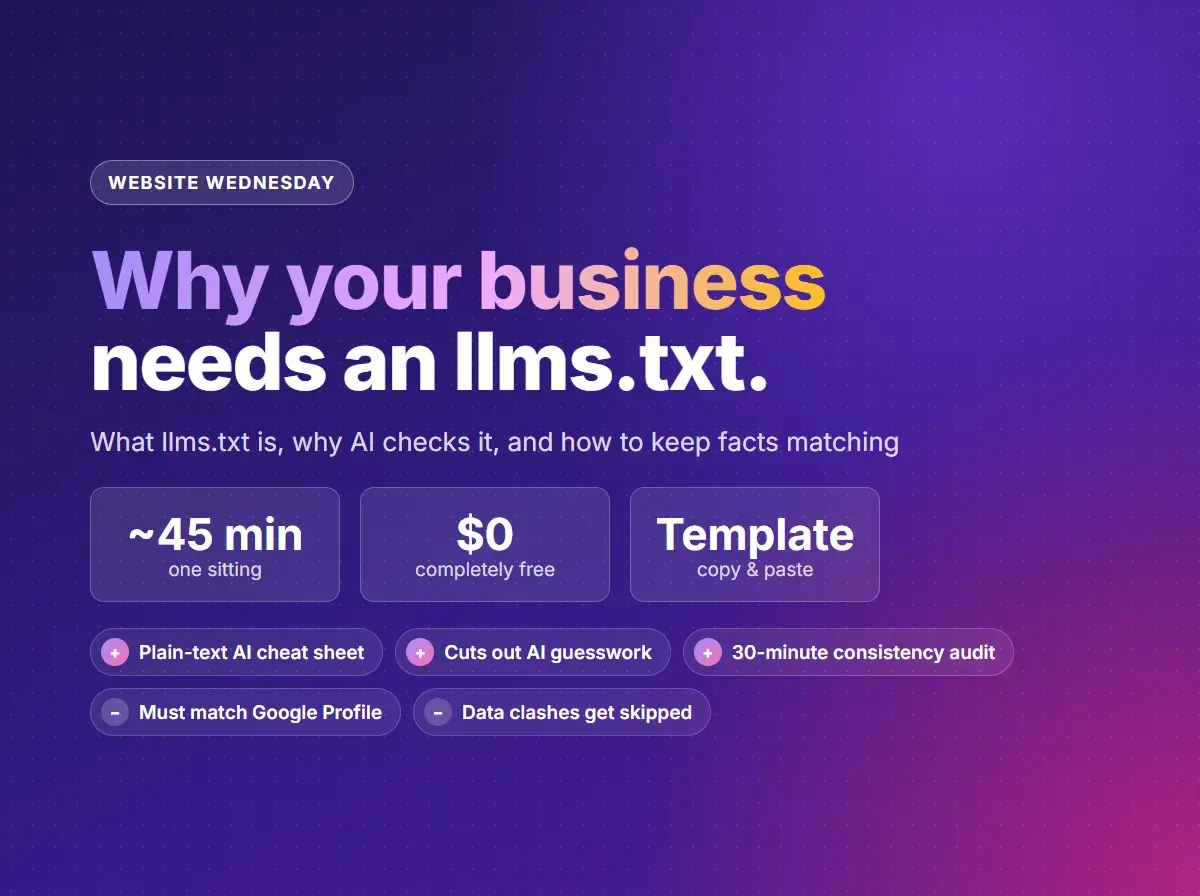
Most AI tools don't browse websites like a human clicking through fancy layouts and banners. They prefer clean, structured text. That's why websites are adopting a new standard: /llms.txt. Think of it as a one-page cheat sheet for AI assistants, summarizing who you are, what you offer, where you work, and how much you charge. Download the printable PDF with a checklist, or follow along below.
1. The Short Version: What Is llms.txt?
When someone asks ChatGPT, Google Gemini, Perplexity, or Apple Intelligence, “Who does furnace repair in Richmond, IL?”, the AI doesn't render CSS styles or watch marketing videos. It reads clean, structured text.
An llms.txt file is a plain markdown text file placed in your website’s root directory (yourdomain.com/llms.txt). Just like sitemap.xml gives Google a list of your pages and robots.txt tells crawlers what they can touch, llms.txt acts as an executive summary written directly for AI models:
What AI models look for in an llms.txt
- Your official business name and owner
- Your primary physical location and exact service area
- A bulleted list of current services and pricing ranges
- Direct links to key pages (quotes, contact, terms)
Will llms.txt Help My Google Rankings?
Not directly. Google has said it doesn't use llms.txt to rank pages or to decide how Googlebot crawls your site. Adding one won't move you up the regular search results, and anyone promising that is overselling it.
Rankings aren't the whole picture anymore, though. More and more customers skip the results page and ask an AI assistant instead. The question worth asking is whether those assistants understand your business well enough to describe it accurately and point people to you. That's where llms.txt earns its place: it hands them your facts in your own words instead of leaving them to piece things together from your page layout.
2. The Verification Trap: Why Consistency Wins
An llms.txt file is powerful, but it doesn't work in isolation. Modern AI search agents do not take a single page's word for it; they cross-reference your claims across independent data sources:
Where AI models cross-check your data
- Your Website: Headings, footer text, contact page, and schema markup (JSON-LD).
- Business Profiles: Google Business Profile, Apple Maps, Bing Places.
- Social Networks: Facebook Page, Instagram, LinkedIn company page.
- Data Aggregators & Directories: Yelp, Better Business Bureau, local Chamber of Commerce listings, YellowPages.
What happens during a conflict
If your llms.txt says you are open until 6:00 PM, your Google profile says 5:00 PM, and an old Facebook page says “By Appointment Only,” the AI detects conflicting data.
Rather than risk giving someone the wrong answer, the AI either guesses at your details, gives out outdated information, or recommends a competitor whose facts match everywhere.
3. The 30-Minute Consistency Audit Checklist
- 1
Name, Address, Phone (NAP)
Does your business name include an old “LLC” or DBA in some places and not others? Is the phone number formatted consistently across every profile?
- 2
Service Area
If you don't serve a neighboring town anymore, remove it from your website footer, Google Profile service radius, and Facebook bio so your coverage area matches everywhere.
- 3
Hours & Availability
Confirm seasonal hours, emergency availability, and holiday schedules align on your website and Google Business Profile word for word.
- 4
Core Services
Ensure the service labels in your
llms.txtmatch the actual service names used on your service pages and Google Business Profile categories.
Starter llms.txt Template (For Local Small Businesses)
Before creating your file, make sure your core data matches character-for-character across your touchpoints. Then copy this template into a plain text file named llms.txt in your site's root directory, replacing the bracketed placeholders with your business facts:
# [Business Name]

> [1-2 sentence plain-English summary of what the business does, who it serves, and where it is based.]

## Core Information
- Owner: [Owner Name(s)]
- Phone: [Phone Number]
- Email: [Email Address]
- Address: [Street Address, City, State ZIP / or "Service-area business based in City, State"]
- Primary Service Area: [List towns, counties, or radius]
- Hours: [Monday–Friday 8:00 AM – 5:00 PM, Saturday by appointment, closed Sunday]
- Official Website: [https://yourdomain.com]

## Services & Offerings
- [Service 1]: [Brief 1-sentence plain-English description + starting price or "quoted per project"] (Link: [https://yourdomain.com/services/service-1])
- [Service 2]: [Brief 1-sentence plain-English description + starting price] (Link: [https://yourdomain.com/services/service-2])
- [Service 3]: [Brief 1-sentence plain-English description + starting price] (Link: [https://yourdomain.com/services/service-3])

## Key Pages
- [Home Page](https://yourdomain.com/)
- [Request a Quote / Contact](https://yourdomain.com/contact)
- [Customer Reviews & Work Examples](https://yourdomain.com/portfolio)

## Official Profiles & Directory Listings
- Google Business: [Link]
- Apple Maps: [Link]
- Facebook: [Link]
- BBB / Chamber of Commerce: [Link]
Keep your llms.txt up to date whenever your hours, services, or pricing change. Consistency across every touchpoint is what builds AI confidence.
What a Finished File Looks Like: R. Martin Creative
If you're wondering how the placeholders translate to actual text, here is what the template looks like when filled in for this website:
# R. Martin Creative

> R. Martin Creative is a one-person design, web, and print studio based in Richmond, Illinois. It works as an outsourced marketing team for small businesses—websites, search and AI visibility, business printing, signs, and apparel—across Northern Illinois and Southeast Wisconsin.

## Core Information
- Owner: Ryan Martin
- Phone: (312) 866-2762
- Email: ryan@rmartincreative.com
- Address: Service-area business based in Richmond, IL 60071
- Primary Service Area: McHenry, Lake, Cook, and Kane counties in Northern Illinois, plus Kenosha and Walworth counties in Southeast Wisconsin
- Hours: Monday–Saturday 9:00 AM – 7:00 PM, closed Sunday
- Official Website: https://rmartincreative.com

## Services & Offerings
- Website Design & Development: Custom Next.js websites built from scratch with fast mobile loading and zero monthly hosting fees, quoted per project (Link: https://rmartincreative.com/services/website-design-development)
- Search + AI Discovery: Setup and optimization for Google Search Console, Google Business Profile, schema markup, and AI assistants, starting at $250 (Link: https://rmartincreative.com/services/search-ai-discovery)
- Business Printing & Marketing Materials: Business cards, brochures, flyers, direct mail postcards, and vinyl signs, starting at $85 plus printing (Link: https://rmartincreative.com/services/business-printing-marketing)

## Key Pages
- [Home Page](https://rmartincreative.com/)
- [Request a Quote](https://rmartincreative.com/#quote)
- [Search + AI Health Check](https://rmartincreative.com/services/search-ai-discovery/search-health-check)
- [Notes & Freebies](https://rmartincreative.com/extras)

## Official Profiles & Directory Listings
- Google Business: https://maps.google.com/?cid=3394983410703261460
- Bing Places: https://www.bing.com/forbusiness/singleEntity?bizid=629c0fcc-c0e9-4b23-a343-996c907213f9
- Facebook: https://www.facebook.com/profile.php?id=61595559686046
- Nextdoor: https://nextdoor.com/page/r-martin-creative-richmond-il
Notice how the owner name, hours, phone number, and service areas match what's in the footer and Google Business Profile. You can also view this site's complete, live file at rmartincreative.com/llms.txt.
This started in our free website help groups. Join us on Nextdoor or Facebook to ask your own questions.
Want to know what Google and AI see on your site?
Send me your website address. I'll check your search visibility, business listings, and structured data across Google and AI tools, and reply in plain English with what to fix first.
Common questions
What is an llms.txt file?
An `llms.txt` file is a plain markdown text file placed in your website's root directory (`yourdomain.com/llms.txt`). It gives AI assistants like ChatGPT, Google Gemini, and Apple Intelligence a clean executive summary of who you are, what you offer, where you work, and how much you charge.
Does an llms.txt replace a sitemap or robots.txt?
No. A `sitemap.xml` tells Google which pages exist, and `robots.txt` tells crawlers what they can touch. An `llms.txt` file acts as an executive summary written directly for AI models to read quickly without parsing complex HTML layouts and styling.
Does an llms.txt file improve my Google rankings?
No. Google doesn't use `llms.txt` as a ranking signal or to guide how it crawls your site. Its value is with AI assistants: it gives them an accurate summary of your business, which helps them describe you correctly and send customers your way.
Will adding an llms.txt guarantee AI tools recommend my business?
No. AI assistants decide what to recommend based on many signals, including reviews and distance. What an llms.txt does is eliminate guessing: when an AI evaluates your site, it has accurate facts directly from you. It works best paired with schema markup and a fully filled-in Google Business Profile.
Where do I put the llms.txt file on my website?
It belongs in your site's root directory so its address is `yourdomain.com/llms.txt`. On WordPress, you can upload it via FTP or your hosting control panel; on custom sites or static hosts like Cloudflare or Vercel, put it in your public folder or serve it from a route.